
Newsletter ad management for Substack creators means keeping every sponsor on track and your income steady. Nail down sponsor intake, rates, inventory, specs, invoicing and reporting. You will spend less time scrambling and more time writing.
Overview Of Newsletter Ad Management
Ad sponsorship unfolds in six connected stages. Each step feeds into the next. Missing a detail early on can cause setbacks later.
- Sponsor Intake – Pitch brands, capture interest and log every lead.
- Rate Setting – Choose between CPM, flat fees or revenue shares.
- Ad Inventory Planning – Slot ads into future issues to avoid overlap.
- Spec Templates – Define image sizes, text limits and HTML snippets.
- Invoicing & Payment Tracking – Send clear invoices and follow up on overdue balances.
- Performance Reporting – Share open-rate and click metrics that impress sponsors.
A finance newsletter called Greenline Capital filled its first ten ad slots in one week by sharing a live calendar with prospects. That simple change boosted sponsor conversions by 40 percent.
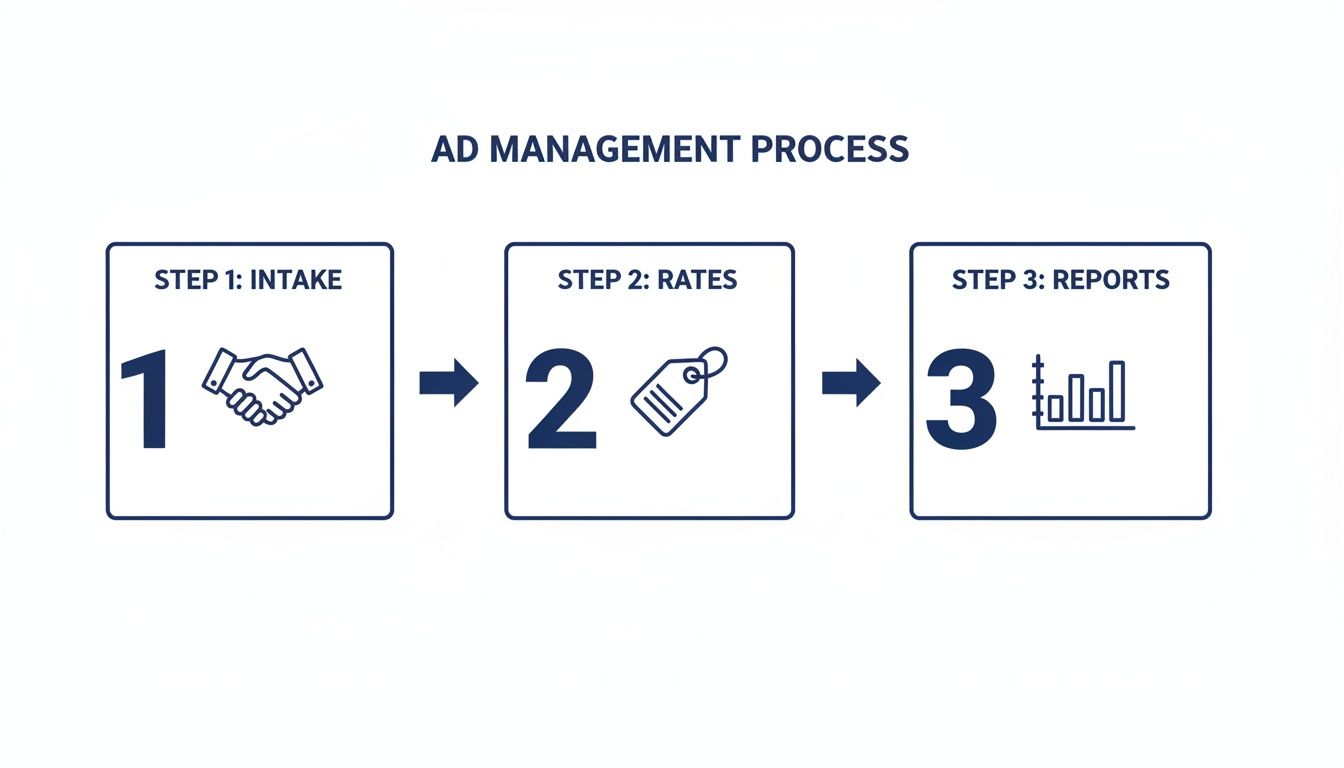
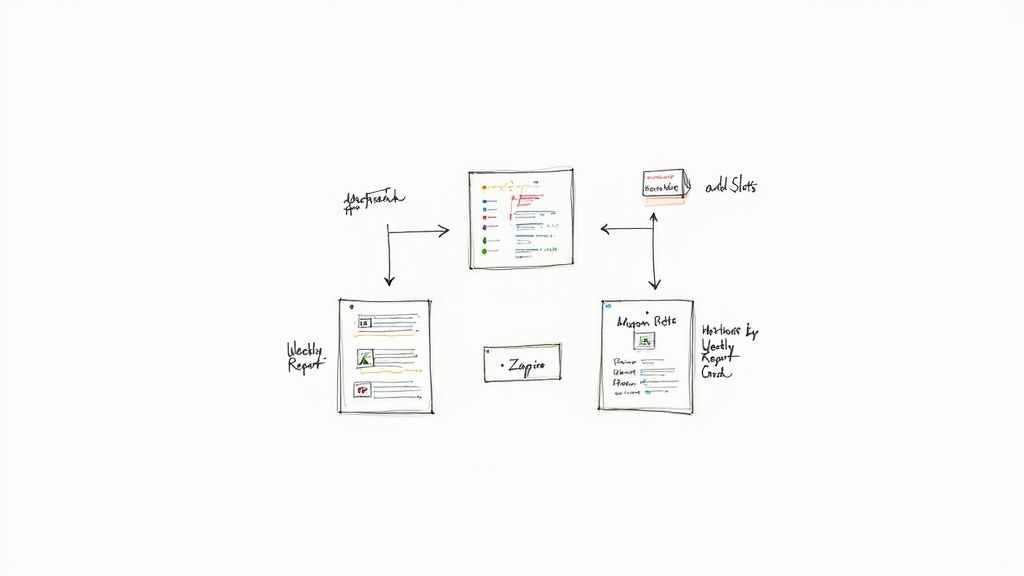
That graphic tracks each stage – from intake (handshake icon) and rate setting (tag icon) through reporting (chart icon). A clear workflow cuts errors and speeds up planning.
Key Actions For Newsletter Ad Management
| Area | Key Action | Tool Example |
|---|---|---|
| Sponsor Intake | Craft a one-page media kit | Canva |
| Rate Setting | Build a clear rate sheet | Google Sheets |
| Ad Inventory Planning | Maintain a shared publication calendar | Google Calendar |
| Spec Templates | Create modular HTML and image specs | Figma |
| Invoicing & Payment | Automate billing and reminders | FreshBooks |
| Performance Reporting | Generate an analytics dashboard weekly | AdSlots |
Real creator insight
A tech newsletter cut manual reporting time by 75 percent using an automated dashboard.
Why Start With This Framework
Getting a bird’s-eye view of all six stages does more than clarify tasks. It also:
- Improves deadline management so sponsors deliver assets on time
- Cuts negotiation surprises by locking in rates early
- Boosts renewals and CPMs with consistent, clear reporting
- Builds trust when sponsors see your commitment calendar
With this roadmap, you’ll step into rate setting with confidence and keep your ad operations humming.
Sponsor Intake And Rate Setting
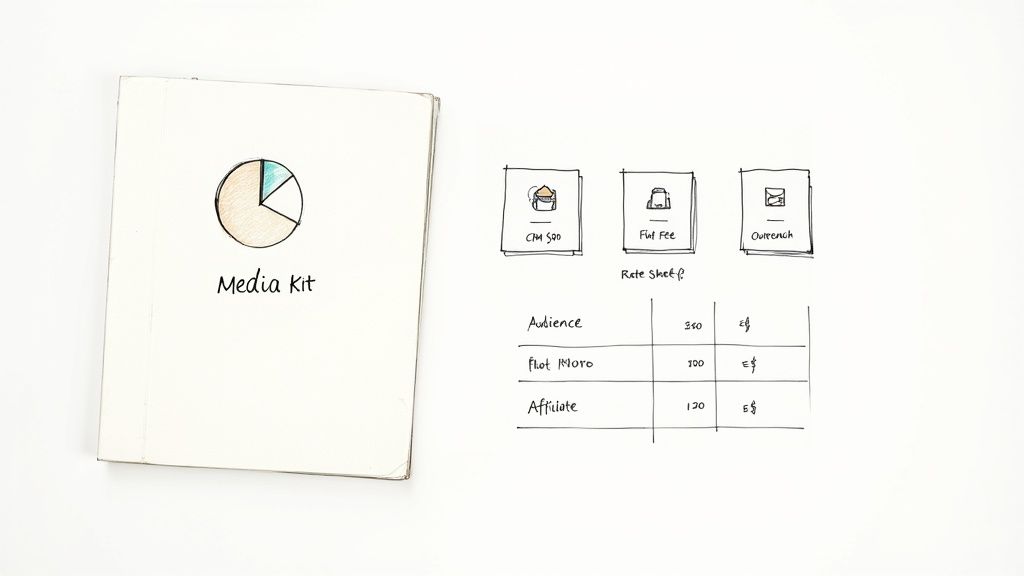
A strong intake process and rate card set the tone for your ad revenue from day one. A one-pager media kit needs to show who you reach, how engaged they are and why brands should partner.
In your media kit, include:
- Subscriber count (for instance, 10k–50k paid readers)
- Open rates near 35 percent (Substack’s median sits around 32 percent)
- Audience demographics and segment click data
- Sample headlines, past testimonials and snapshots of ad results
When you email a prospect, mention a quick win. For example, The Query by John Gruber plugged a sponsor banner in issue 82 and saw 25 percent more clicks than average. Keep your pitch under four sentences and end with a calendar link. That clarity speeds replies and turns prospects into partners.
Pricing Models And Examples
Your niche and sponsor goals will guide the model you choose. Three common approaches:
- CPM (Cost Per Mille): Finance newsletters often land between $50 and $80 CPM.
- Flat Fee: Sponsors with fixed budgets prefer a simple invoice.
- Affiliate Split: You earn more as the sponsor’s performance climbs.
Packy McCormick’s Not Boring newsletter started at $70 CPM. After hitting 0.9 percent CTR on a test campaign, he raised rates by 15 percent and saw a 20 percent bump in monthly ad revenue without losing any sponsors.
For a custom rate breakdown, use our Newsletter Ad Pricing Calculator. It factors in your open rates, audience size and niche.
Negotiation Tips And Common Objections
Sponsors often push on price or extra placements. Try these tactics:
- Point to your media kit data when they question your CPM. You match market averages and deliver results.
- Offer value-adds such as bonus spots in high-traffic issues instead of slashing rates.
- Remind them Substack hosts over 7 million paid subscribers and 150 million visits per month (see Substack subscriber and traffic stats).
A polished media kit with real metrics builds confidence and secures better rates.
With rates rooted in real data, you’ll spend less time negotiating and more time growing your audience. Next: ad inventory planning to keep your schedule firing on all cylinders.
Ad Inventory And Calendar Management
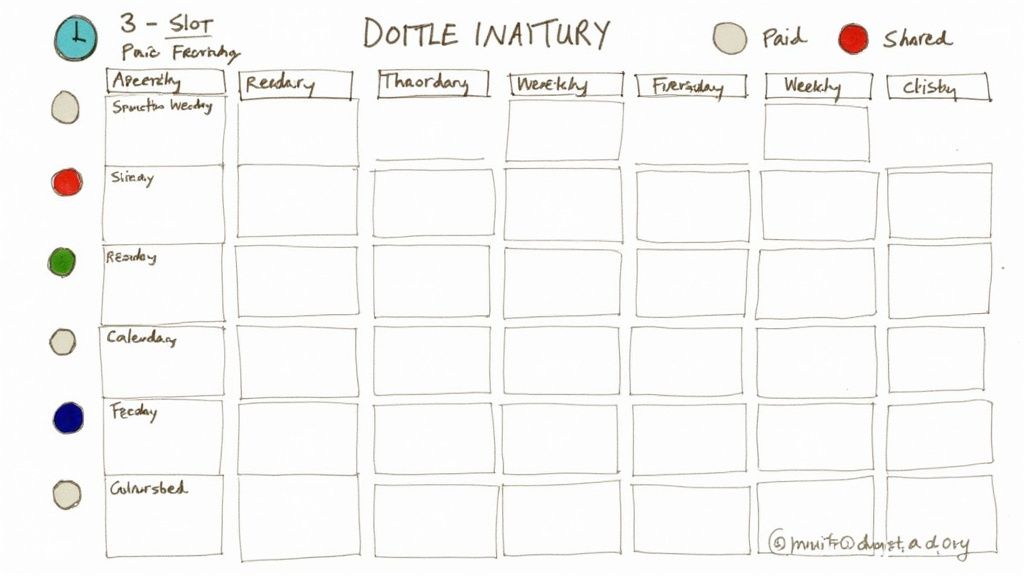
A tidy ad calendar prevents overbooking, keeps sponsors happy and protects reader trust. One tech newsletter locks in slots three weeks out using a shared Google Sheet. They color-code free and paid posts at a glance.
They map three ad spots per issue and flag deadlines right on the sheet. This cut scheduling errors by 45 percent.
- List each issue date next to sponsor name and price tier
- Block booking cutoffs at least 10 days before send date
- Automate reminders via Google Calendar or Asana to ping sponsors
Google Sheet Example
Columns can include:
- Issue Date
- Slot Status (Free vs Paid)
- Asset Deadline
- Notes
Bright highlights make open slots jump off the page. That trick alone saves two hours every week in back-and-forth emails.
Visibility is key when juggling multiple sponsors per issue.
Public Media Calendar
Share your calendar on Substack for real-time booking. Sponsors pick slots without emails.
- Export your Google Sheet to CSV
- Import it into a Substack post or custom block
- Update weekly to reflect current sales
This transparency nearly eliminates double-bookings. You can also automate with tools like AdSlots. Check our guide on newsletter ad scheduling software to see how automation handles slot assignments and reminders without extra spreadsheets.
Key benefits:
- Sponsors see only open slots
- Automated status updates remove manual edits
- Consistent booking deadlines maintain flow
A shared calendar builds trust—sponsors appreciate real-time visibility and easy booking.
Calendar Tools And Automation
Connect your sheet to Google Calendar or Asana using Zapier. Deadlines pop up automatically.
| Method | Time Spent Weekly | Error Rate |
|---|---|---|
| Manual Sheet | 3 hours | 30 percent |
| AdSlots | 15 minutes | <5 percent |
Switching to automation cuts errors and frees up hours each month. A transparent ad calendar keeps your workflow smooth, fulfillment on schedule and sponsors confident.
Next up: ad specs and templates so creatives slot in without a hitch.
Ad Specs And Templates
Defining your ad dimensions and layouts up front skips endless back-and-forth with sponsors. Below are the image sizes, character counts and HTML snippets you need for desktop and mobile.
Image dimensions
- Desktop banner: 600×400 px
- Mobile banner: 300×200 px
- Inline sidebar: 300×250 px
Headline limits
- Main title: 90 characters max
- Subtext line: 120 characters max
HTML modules
- Desktop: two-column layout with image on the left and text on the right
- Mobile: single-column stacking image above text
- Dynamic link placeholder:
{{sponsor_link}}
A finance newsletter paired a 600×300 px asset with a punchy CTA. They hit 0.8 percent click rate—25 percent above their average.
Examples From Finance And Lifestyle
Real tweaks drive real gains:
- A finance edition with 20k opens scored 150 clicks (0.75 percent CTR)
- A lifestyle send leaned on text-first style and reached 1.2 percent CTR from 15k readers
- A tech publisher blended images and text modules, slashing review time by 60 percent
Modular templates cut creative revisions by 60 percent and keep sponsors smiling.
Templates You Can Adapt
| Format | When To Use | Key Specs |
|---|---|---|
| Single-image | Brand awareness campaigns | 600×400 px, 90-char headline |
| Text-based call | Limited assets or quiet promos | 200-word max text, one link |
| Image + text module | High-engagement issues | 300×250 px + 100-char blurb |
To adapt:
- Swap out
{{sponsor_logo}}and{{sponsor_link}} - Update alt text for clarity and accessibility
- Preview on desktop and mobile
- Send the draft to sponsors for a final thumbs-up
Best Practices For Sponsor Submissions
Clear guidelines upfront avoid headaches:
- Request high-res PNGs or JPEGs to dodge blurry images
- Collect CTA text and URLs in one consolidated sheet
- Align on color profiles for light and dark-mode email clients
- Set “Asset In” and “Feedback” deadlines to keep everyone on track
Clear deadlines cut last-minute rushes and ensure flawless send days.
With specs and templates in hand, your creative process becomes smooth, reliable and fast.
Invoicing and Payment Tracking
Organized invoices and on-time payments keep your ad program sustainable. One lifestyle newsletter cut late payments by 60 percent just by sending invoices the day after asset approval.
Setting Clear Net Terms
Agree on payment schedules up front to avoid awkward follow-ups. Common net terms:
- Net 7 for local shops needing quick turnaround
- Net 15 for regional brands juggling campaigns
- Net 30 for large companies with formal AP departments
Automating Late Reminders
Automation trims manual work and nudges sponsors on time. Schedule emails five days before due, on the due date, then five and ten days after.
Tools like Trello or FreshBooks handle reminders without a spreadsheet.
- First email offers a friendly heads-up
- Second message notes the invoice is overdue
- Final notice outlines next steps if payment still hasn’t arrived
Logging Payments And Syncing Data
A shared ledger keeps your team and accounting software in sync. Start with a simple Google Sheets file tracking sponsor name, invoice number, send date, due date and paid date. Then connect it to Zapier or native integrations.
| Method | Time Spent Weekly | Late Payment Rate |
|---|---|---|
| Manual Spreadsheet | 2 hours | 25 percent |
| Trello Board | 30 minutes | 15 percent |
| FreshBooks | 15 minutes | <5 percent |
Best Practices For Smooth Billing
- Use branded invoice templates matching your newsletter style
- Embed a Stripe “Pay Now” button to speed payments
- Mark each sent invoice in your calendar to avoid duplicates
- Record partial payments instead of closing invoices early
One creator reclaimed three hours each week by using a branded template with an embedded Pay Now button.
Learn more about automated payment tracking for newsletters in our detailed guide. With repeatable billing, clear net terms and timely reminders, your invoicing will run like clockwork.
Next: performance dashboards and reporting tools that tie clean invoicing into actionable metrics.
Reporting And Automation Tools
Reports prove your value to sponsors and free you from endless updates. Substack’s built-in dashboard surfaces open-rate and revenue details in seconds. Linking those stats with platforms like AdSlots and Zapier creates one central hub for opens, clicks and income.
These snapshots update weekly or monthly so you never miss a figure. A finance writer I know cut monthly reporting time from eight hours to thirty minutes by syncing Substack data to a Google Data Studio dashboard. Now they spot engagement dips two weeks before sponsors mention them—allowing tweaks and happier partners.
Automating reports trimmed ad ops work by 94 percent and gave sponsors clearer data.
Weekly Dashboard Setup
Pick key metrics—total impressions, sponsor clicks and net revenue after Substack’s 10 percent cut. Label each field clearly.
- Connect via Substack API or import the analytics CSV
- Pull AdSlots tracking data through Zapier into a Google Sheet or Data Studio
- Link that sheet to a visualization tool like Data Studio or Metabase
- Schedule auto-refresh for weekly or monthly updates
Since Substack keeps 10 percent of subscription revenue, compare ad earnings alongside subscriber growth. See deeper insights in Substack revenue and statistics 2025.
- Balance short-term ad revenue with long-term subscriber gains
- Spot ad fatigue when click rates dip below 0.5 percent
- Adjust sponsorship fees based on real conversion data
Sharing Reports With Sponsors
Export dashboards as PDFs or share live Data Studio links. Invite sponsors to comment on metrics and layout. This feedback loop smooths future reports.
Our guide to Substack sponsor tracking tools walks you through integrations and workflows.
Consistent reporting can boost ad-deal renewals by 20 percent month over month. Regular updates build long-term trust.
Frequently Asked Questions
If you create on Substack, matching sponsorship fees to real open and click metrics can feel tricky. We recommend aligning rates to live data and market standards. A finance newsletter that tracked a 35 percent open rate over three issues bumped its price to $70 CPM and saw zero subscriber churn.
Reliable metrics show your value more clearly than gut intuition.
Common Questions And Answers
Automated services like AdSlots and Zapier can pull your Substack metrics into one dashboard in minutes. This setup can save around eight hours each month and cut copy-paste errors by 75 percent.
- Choosing the Right Tool
Look for Substack API support and easy CSV exports so your data stays in sync. - Balancing Ads and Content
Aim for one sponsored block per three main sections to keep readers engaged. - Handling Last-Minute Requests
Offer a credit in a future issue, then log the change in your calendar to avoid confusion.
Maintaining Subscriber Trust
Keeping readers on side means partnering with brands that fit your audience. One tech newsletter dropped a misaligned sponsor and saw unsubscribes fall by 30 percent overnight. Always preview ads internally before they go live.
- Set clear net terms—Net 15 or Net 30—upfront
- Send invoices with embedded Stripe Pay buttons to speed payments
- Schedule quick sponsor check-ins after each report to gather feedback
Reserve a “flex slot” in each issue for last-minute ads. That buffer keeps your calendar organized and sponsors happy.
This FAQ offers a hands-on playbook for the most common ad ops headaches. Use these tips to keep revenue steady and readers satisfied.
Ready to offload your ad ops? Try Ad Slots